Keep the internet in your language.
Movar puts the right language in front of you on Google, YouTube, and multilingual sites — without translating a thing. Free, open source, stays in your browser.
300+
users across Chrome, Firefox and Safari
5.0 / 5
average of 17 store ratings
97%
test coverage (lines)
6
browser targets, Chrome to Safari on iOS
At a glance
- Type
- My own product
- Scope
- Everything: the browser extension, the Safari apps for macOS and iOS, the marketing site, the brand package and store assets, and the release pipeline that ships all of it.
- Status
- Live — 1.9.0 on Firefox Add-ons · as of 24 Sep 2026
- Timeline
About a week to the first release · Jun 2026
Latest 1.9.0 on Firefox Add-ons, 20 Sep 2026
- Platforms
- Chrome, Firefox, Edge, Opera, Brave, Safari on macOS, iOS and iPadOS
- Source code
- Source on GitHub (opens in a new tab)
- Try it
- Chrome Web Store (opens in a new tab)Firefox Add-ons (opens in a new tab)App Store (opens in a new tab)
- Stack
The challenge
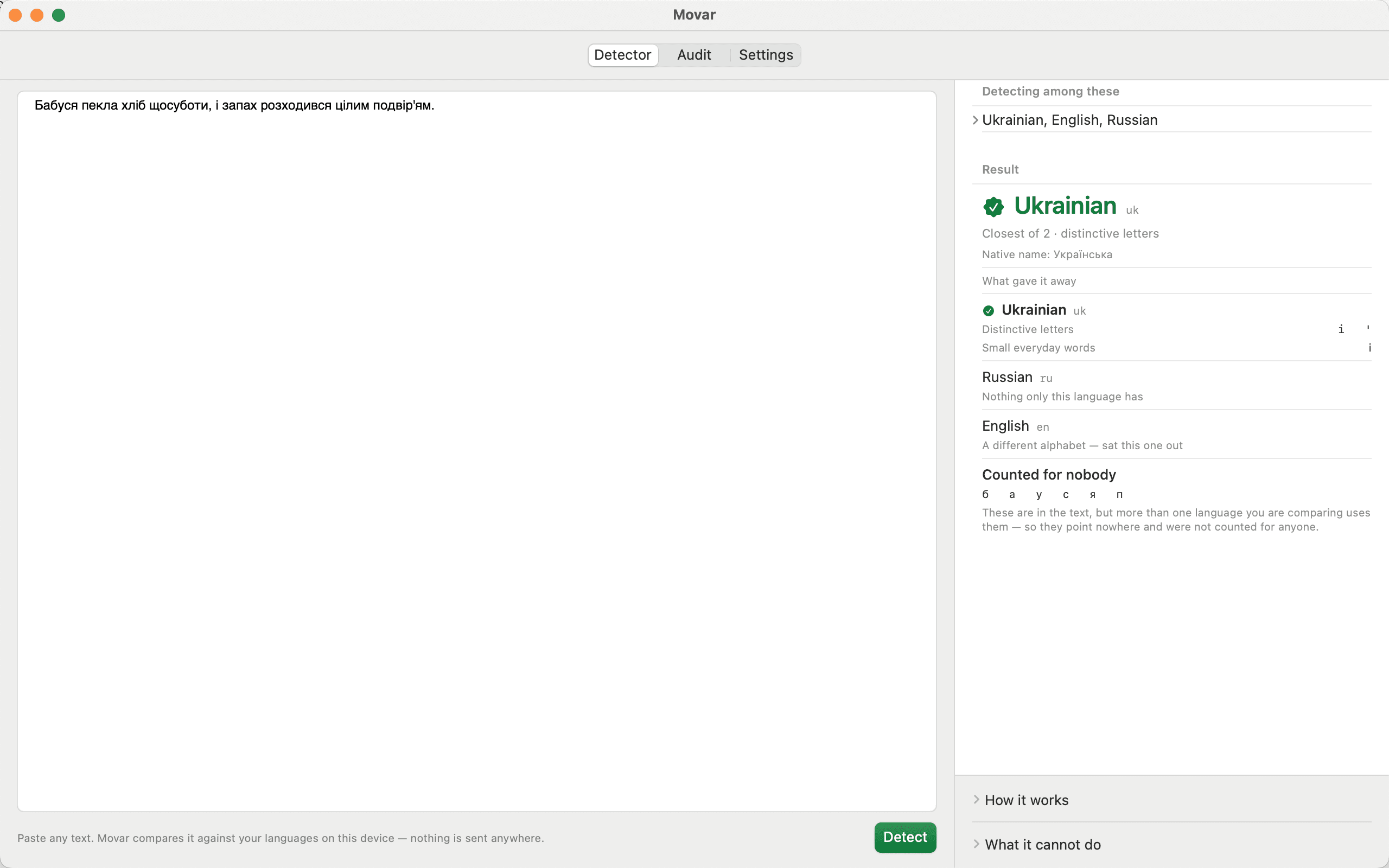
Ukrainian sites often ship Russian by default regardless of a visitor's stated preference, and search engines surface Russian results even under a Ukrainian locale. Fixing that means classifying short, ambiguous Cyrillic text correctly, on every page load, without ever sending that text off the device.
- Ukrainian and Russian share an alphabet and most vocabulary, so a short snippet — a card title, a search result — is genuinely ambiguous to classify
- Detection has to run on every page load, synchronously enough to redirect before the page settles
- a general-purpose LLM looked like an obvious upgrade but conditions on meaning, not form — exactly wrong for a domain that is constantly Ukrainian text about Russia and Russian text about Ukraine
- has to work uniformly across six browser engines, from Chrome to Safari on iOS, each with a different extension platform
- no network calls anywhere — a privacy and anti-censorship tool that phones home defeats its own purpose
The constraints
- zero network egress from the shipped extension, enforced twice — a source scan (`scanForEgress`) and a build-time bundle scan (`assertNoNetworkEgress`) that fails on any fetch/XHR/WebSocket call, dependencies included
- the always-on content script is capped at 56 KB — it runs on every page, so heavy detection assets have to live in the background worker instead
- WXT bundles each content script as a single file with no code-splitting, which forced that split in the first place
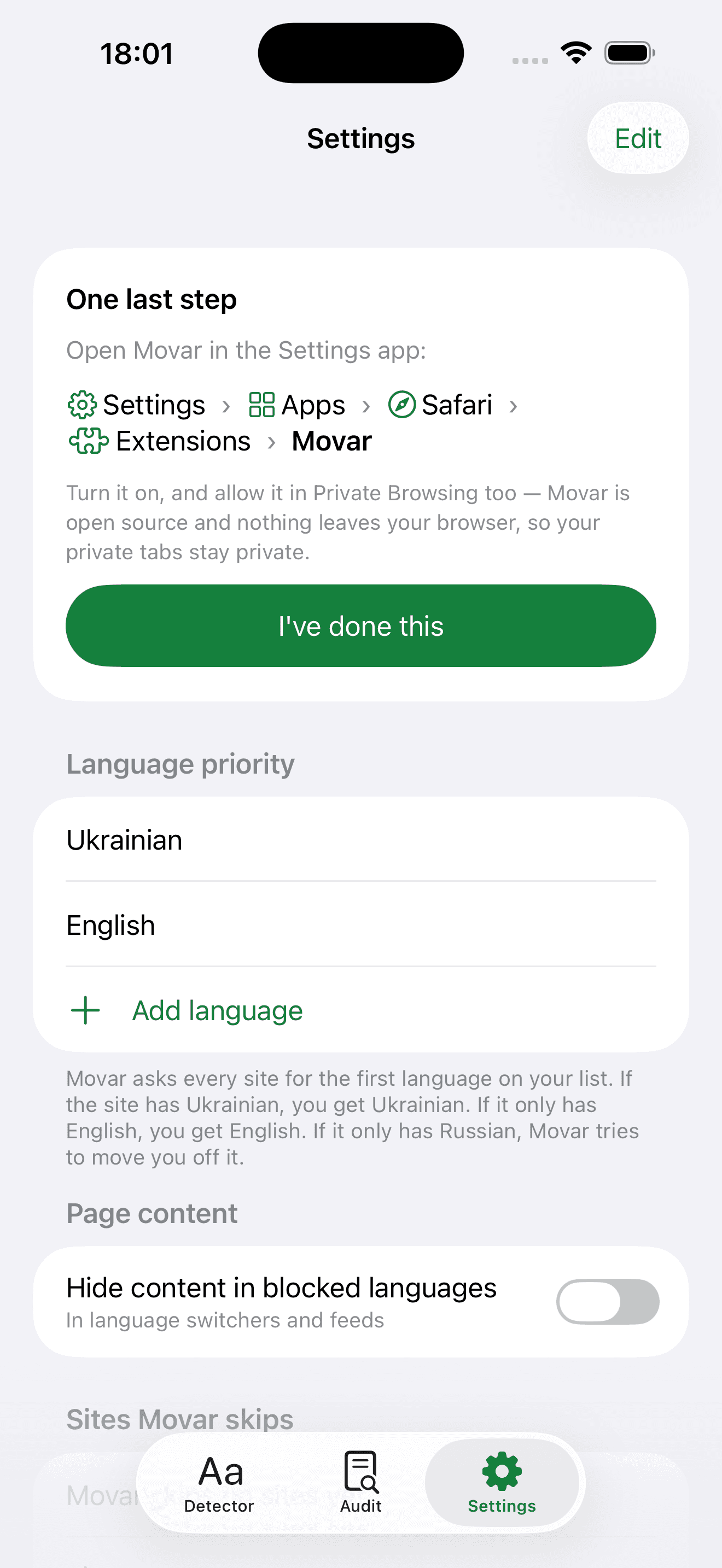
- Russian is permanently on the block list and can never enter the priority list — a locked product policy enforced at the settings boundary, not a user preference
- runs on Chrome, Firefox, Edge, Opera, Brave and Safari (incl. iOS/iPadOS) — the on-device Chrome AI detector is opportunistic because four of those six have no equivalent
The solution
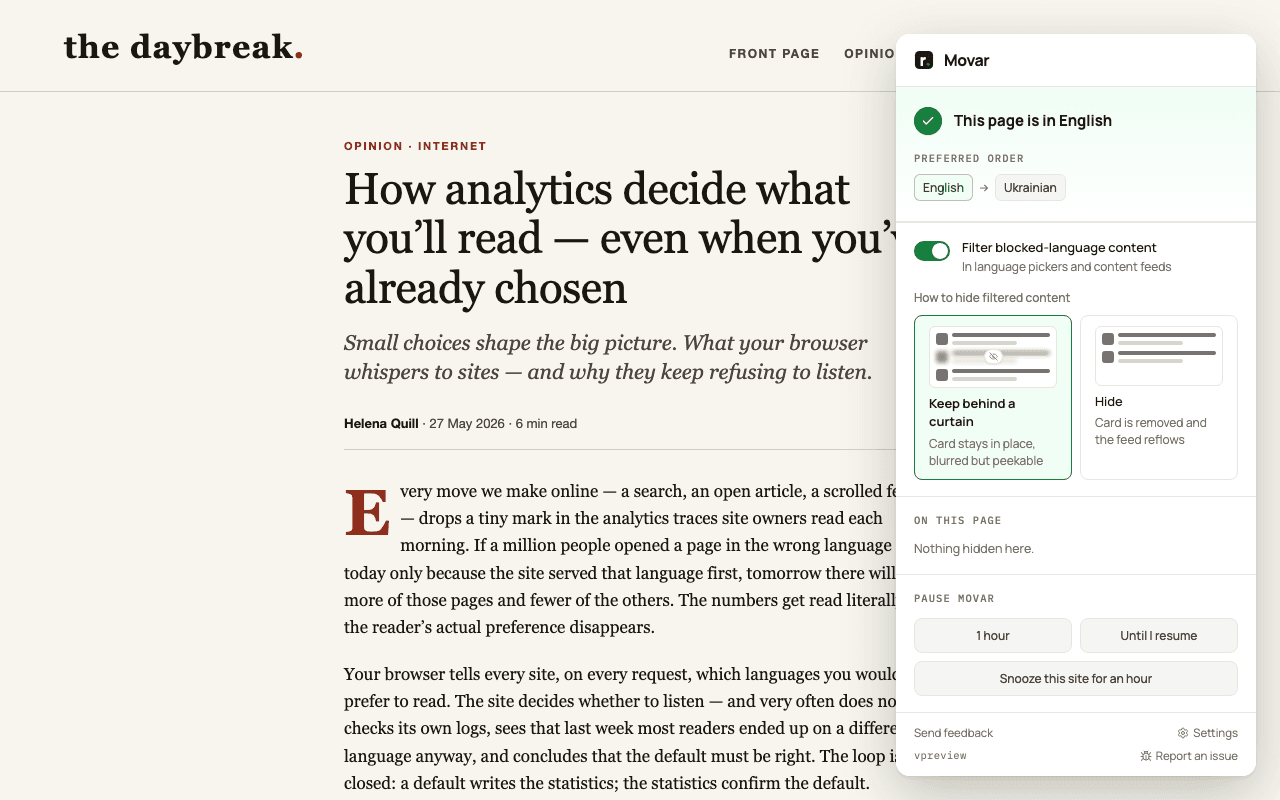
I built Movar around two layers that run on every page and stay structurally independent: a redirect layer that asks the site itself for a better-language version, and — only when that fails — a content-filter layer that conceals individual Russian-language cards. Detection tries a small on-device model first and falls back, by message, to a trigram model running in the background worker, so the heavy part never loads on the page itself.
Two layers, kept structurally independent
The content-filter layer's verdict never feeds back into the redirect layer's decision — mixing them caused redirect/bounce "hiccups" on pages eligible for both.
Block-only — never machine-translate
Translating Russian into fluent Ukrainian would launder the content and strip the provenance signal the product exists to preserve, and it would be the extension's first network request.
No general-purpose LLM for language judgement
Measured against an independent 422-sample corpus, Gemini Nano scored 69.7% against the shipped cascade's 92.7%, collapsing to 39.3%/20.5% on pages where topic and language point at different countries — Movar's most common page.
Move the trigram model into the background worker
Keeping franc's ~170 KB of tables off the content script cut it from 286 KB to about 109 KB, since WXT bundles each content script as one file with no code-splitting to lazy-load it in place.
Architecture
Language signals
Picker, <html lang>, subdomain, path and hreflang — five synchronous checks
Content model
Per-site extractors (Google SERP, YouTube) emit typed content cards
Redirect layer
Rewrites a header, cookie, URL or picker to a wanted-language version
Content-filter layer
Conceals Russian cards and picker entries only when no redirect fired
On-device detector
Chrome's LanguageDetector, tried first — opportunistic, never downloads a model
franc fallback
187-language trigram model, reached by message — keeps ~170 KB off every page
Rules & alarms
Owns the Accept-Language rewrite rule and the timed-pause alarm
Local storage
Settings, pause state and the correction log — read by the options page only
I build — you own
Built to hand over
Movar's repository is public, so this is what a handover from me looks like: not just the code, but the decisions behind it and everything you'd need to run it without me.
- View (opens in a new tab)
Code and licence
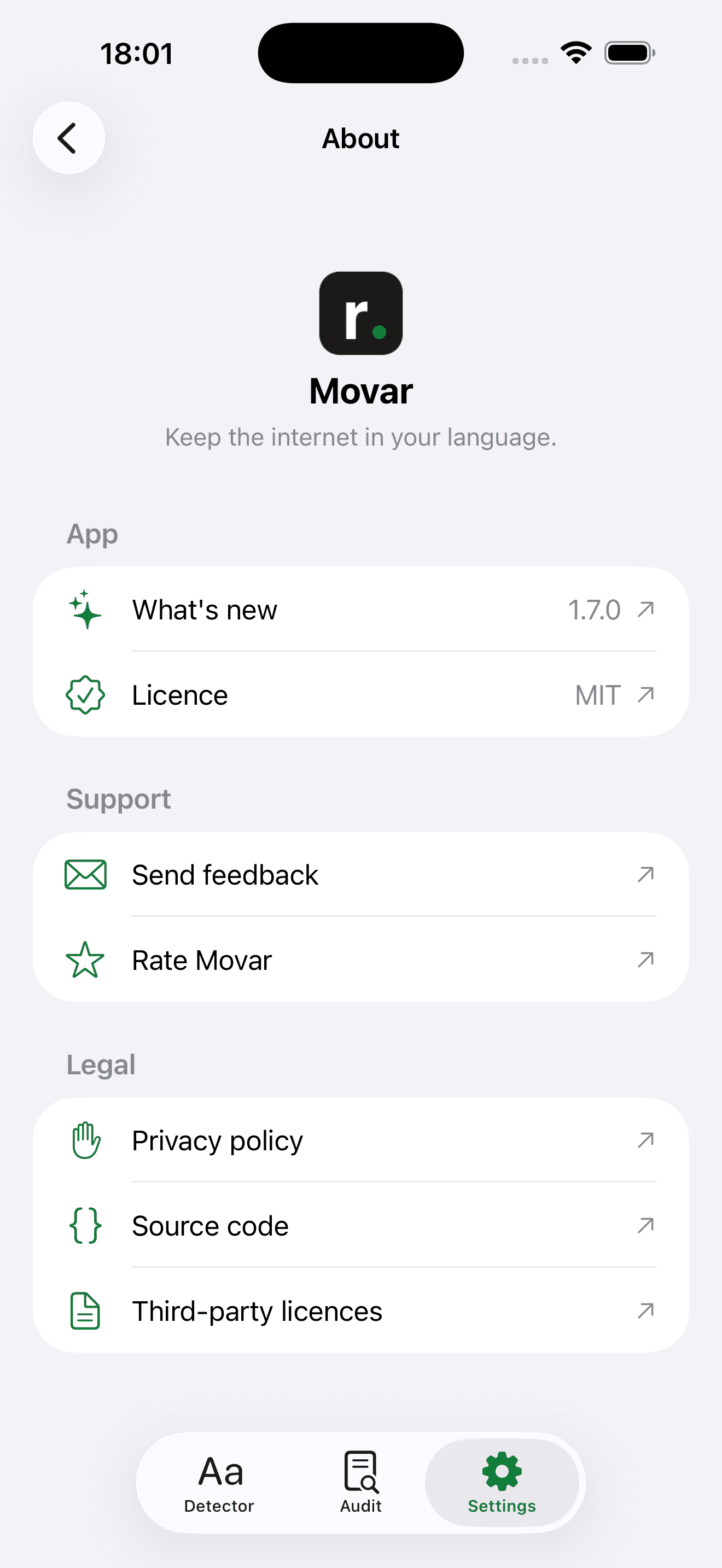
The full source — the extension, the Safari apps and the marketing site — MIT-licensed.
- View (opens in a new tab)
Decision records
3 accepted decision records — e.g. why Movar never machine-translates blocked content, why it doesn't use a general-purpose LLM for language judgement.
- View (opens in a new tab)
Docs and runbooks
Runbooks and references, including release credentials, the Safari deploy process, a domain glossary and a list of known pitfalls.
- View (opens in a new tab)
Tests and quality gates
97% line coverage (91% branches) and a 79 (B) maintainability score, both tracked by `pnpm metrics`; a build-time scan fails on any network call, and `pnpm check:readme` checks every public claim against the code — all enforced on every build.
- View (opens in a new tab)
Release pipeline
One GitHub Actions workflow ships every release to the Chrome Web Store, Firefox Add-ons and the App Store.
- View (opens in a new tab)
Brand and store assets
A brand package, plus the screenshots, copy and icons the store listings use.
Results
I launched Movar in June 2026 with no paid promotion, for a niche audience: people who want their own language, not Russian, served by default. It has since reached 300+ users and an average rating of 5.0 / 5 across three stores.
300+
users across Chrome, Firefox and Safari
no paid promotion · as of 24 Sep 2026
5.0 / 5
average of 17 store ratings
Chrome Web Store, Firefox Add-ons and the App Store · as of 24 Sep 2026
6
browser targets, Chrome to Safari on iOS
What’s next
The documented backlog: let a maintainer override a wrong verdict in the diagnostics view and feed the correction back into calibration, add Belarusian as the next Cyrillic neighbour, and cover more sites beyond Google and YouTube.
Have a similar project in mind?
I’ll build it and hand it over: the code, the docs and the accounts are yours.
Discuss a project